5 Essential Steps for Moving Fragile Office Tech Without Risk
One Big Man & One Big Truck Moving Co. Inc. • August 19, 2026
Relocating a business requires moving fragile office tech without risking your expensive hardware. The experts at One Big Man & One Big Truck Moving Co. Inc. know that a dropped server or cracked monitor can halt operations for weeks. Office equipment demands specific handling protocols that go far beyond standard residential packing methods. Small Office Moves involve securing high value electronics against vibration and impact during transit.
Many business owners try to save money by having their staff pack up their own workstations. This approach almost always leads to tangled cables and damaged screens during a busy South San Francisco transport. Proper handling requires industrial materials and strict lifting techniques to protect the delicate internal components of your machines. Following a precise set of professional tips guarantees your office equipment arrives ready to plug in and power up.
What We Cover:
- Tip 1: Disconnect and Label Cables Correctly
- Tip 2: Protect Glass Screens on Monitors
- Tip 3: Secure Heavy Server Equipment
- Tip 4: Prep Printers and Copiers for Transit
- Tip 5: Use Professional Transportation
- Frequently Asked Questions
Protecting Your Commercial Assets
Tip 1: Disconnect and Label Cables Correctly
Tearing down a workstation too quickly creates massive delays when you try to set it up again. Every cord must be detached slowly to prevent breaking the delicate pins inside the connection ports. Keeping cables with their matching devices prevents confusion on the other end and saves your IT team hours of frustrating sorting.
- Color Coding: Wrap matching colored electrical tape around the cable end and the corresponding device port.
- Cable Ties: Bundle loose cords with velcro ties to stop them from snagging on heavy boxes during the move.
- Port Protection: Cap exposed optical ports with dust covers to keep debris out of sensitive connections.
Tip 2: Protect Glass Screens on Monitors
A standard cardboard box will not stop a sharp impact from shattering an expensive flat panel display. Monitors require a rigid barrier over the glass before they are placed into any moving container. Trade professionals use anti static materials to prevent electrical discharge from frying the internal screen matrix.
- Anti Static Wrapping: Cover the entire monitor in specialized anti static bubble wrap to block static electricity buildup.
- Rigid Screen Guards: Tape a thick piece of flat cardboard directly over the glass to absorb direct impacts.
- Vertical Packing: Slide wrapped monitors vertically into heavy duty boxes just like packing delicate artwork.
Tip 3: Secure Heavy Server Equipment
Relocating server racks is the most dangerous part of any commercial move because they carry extreme weight in a small footprint. Racks must be completely depopulated before transport to prevent the chassis rails from bending under transit vibration. Attempting to roll a fully loaded rack down a ramp usually causes the small caster wheels to collapse entirely.
- Component Removal: Slide every individual hard drive array and power supply out of the rack and pack them in separate padded crates.
- Chassis Wrapping: Pad the empty metal server frame heavily to prevent denting doors and walls during the extraction.
- Dedicated Transit: Load the heavy metal racks onto the truck first and strap them directly to the structural load bars.
Tip 4: Prep Printers and Copiers for Transit
Large commercial printers contain liquid toner and delicate moving parts that break easily when tilted. Moving a heavy copier without removing the toner cartridges results in toxic ink spills inside the machine. Office Transfers require securing the internal laser assemblies before the unit ever leaves the floor.
- Cartridge Extraction: Pull all ink and toner cartridges out and seal them inside leak proof plastic bags.
- Tape Moving Parts: Secure all exterior paper trays and scanner lids with specialized blue painter tape that leaves no residue.
- Floor Protection: Roll heavy copiers over hard masonite boards to avoid crushing commercial carpets or scratching tile.
Tip 5: Use Professional Transportation
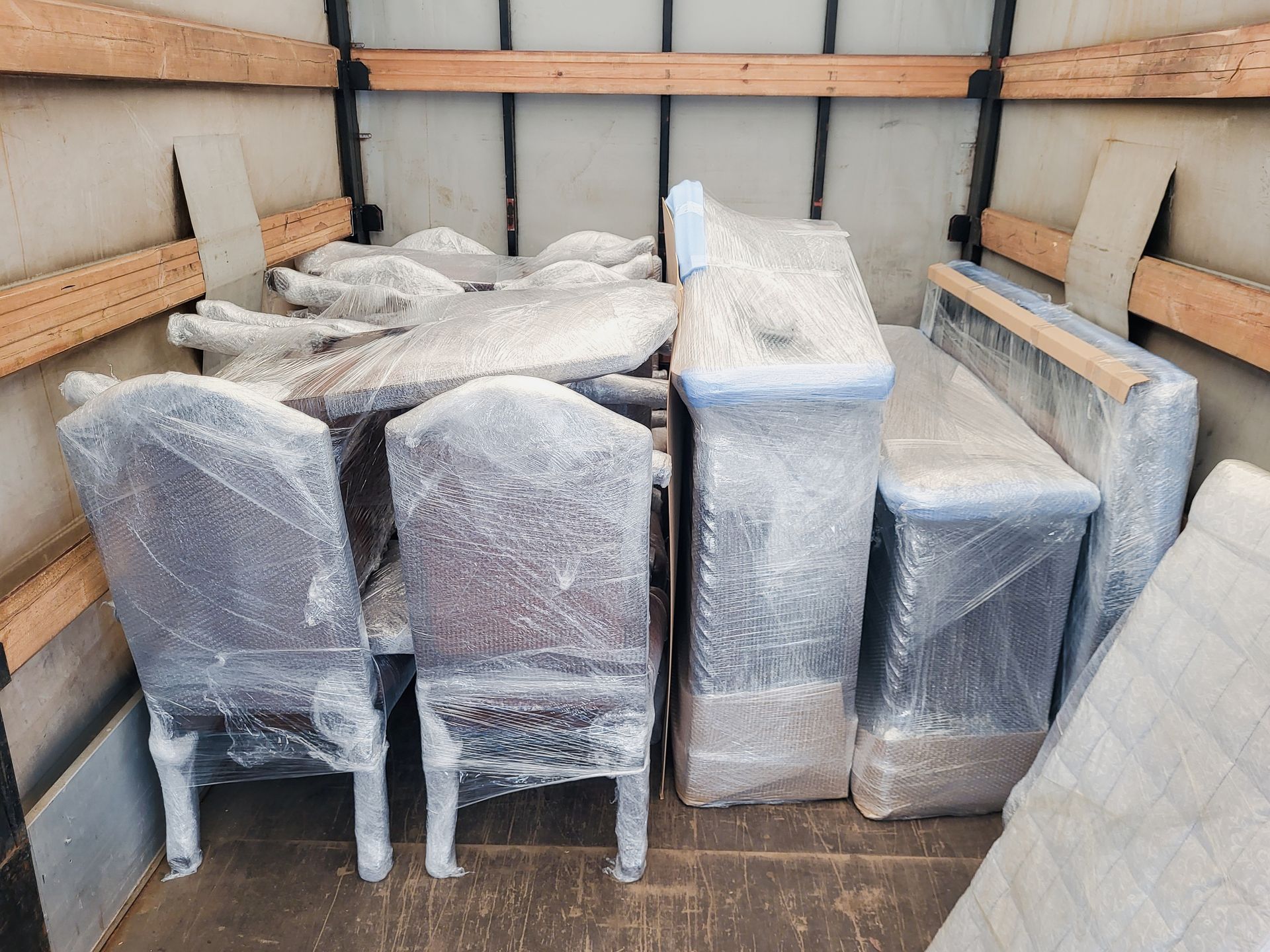
Loading delicate tech into the back of a standard pickup truck exposes it to road debris and brutal suspension bumps. Air ride moving trucks absorb road shock and keep delicate circuit boards from cracking. Relying on professional Equipment Relocation keeps your business assets safe and intact.
- Shock Absorption: Utilize trucks with specialized air ride suspensions to eliminate the harsh vibrations of local highways.
- Weather Protection: Keep all electronics completely enclosed during loading to block moisture and airborne dust.
- Professional Strapping: Lock heavy crates into place using heavy duty ratchet straps to prevent tipping and shifting.
Frequently Asked Questions
How do you pack monitors for a commercial move?
Monitors demand a solid barrier against both static shock and physical crushing forces. We cover the screen with a rigid cardboard plate before wrapping the entire unit in anti static bubble material. The monitor is then placed vertically inside a specialized flat box to ensure weight is never stacked flat on top of the fragile glass. This specific method prevents the internal crystals from bleeding under pressure.
How heavy is a standard office server rack?
A fully populated commercial server rack can easily weigh over a thousand pounds. The sheer density of hard drives and redundant power supplies makes the unit impossible to move safely while fully assembled. Our crews always remove the individual server blades to distribute the weight safely before attempting to tilt or roll the metal chassis.
Do movers wrap large copiers for secure transport?
Professional movers always pad and wrap large copiers before rolling them out of an office. The exterior plastic panels are highly susceptible to cracking if they bump into a metal door frame. We secure the internal moving parts and bind the unit in thick quilted moving blankets to absorb any minor impacts along the hallway.
Protecting Your Commercial Assets
Implementing strict packing protocols keeps your critical tech safe and your business operations running smoothly. Avoiding amateur mistakes during your office transfer ensures your equipment powers back up without missing a beat. Give your electronics the exact physical protection they require by trusting trained commercial movers for the heavy lifting. Contact us today to schedule an expert walkthrough for your upcoming office relocation.
Share This Blog